How to Create SEO Content Briefs With Claude and Notion (MCP Workflow, 2026)
You can create SEO content briefs with Claude and Notion by connecting Claude to a Notion brief database, giving it a keyword and a fixed brief structure, and letting it draft each section into the page while you review the intent, angle and evidence. The connection works through Notion's official connector for Claude, which is built on the Model Context Protocol (MCP).
Quick answer: Connect Notion to Claude, prepare a brief database with fixed properties and a section template, then prompt Claude to research the keyword, fill the sections and update the properties. Keep a human review step for search intent, the unique angle, factual claims and internal links before the brief goes to a writer.
- Connect Notion to Claude and grant access only to the brief workspace.
- Create a database with properties for keyword, intent, status and owner.
- Add a brief template with fixed sections.
- Prompt Claude section by section, not all at once.
- Review, approve and move the brief to "Ready".
What Is MCP and Why Does It Matter for SEO Briefs?
The Model Context Protocol is an open standard that lets an AI assistant read and write data in other applications through a connector. With Notion connected, Claude can search your workspace, read an existing brief, create a new page from a template and update database properties such as Status or Search Intent.
For SEO work this removes the copy-paste step. Instead of generating a brief in a chat window and pasting it into a document, Claude writes straight into the brief record your team already uses, in the structure your writers expect. The brief stays in one place, with its history, owner and due date.
Setting Up the Claude and Notion Connection
- In Claude, open the connectors settings and add Notion.
- Sign in to Notion and choose which pages and databases Claude can access. Limit it to your SEO workspace.
- Test the connection: ask Claude to list the databases it can see.
- Ask Claude to read one existing brief and summarize its structure, to confirm it can read page content.
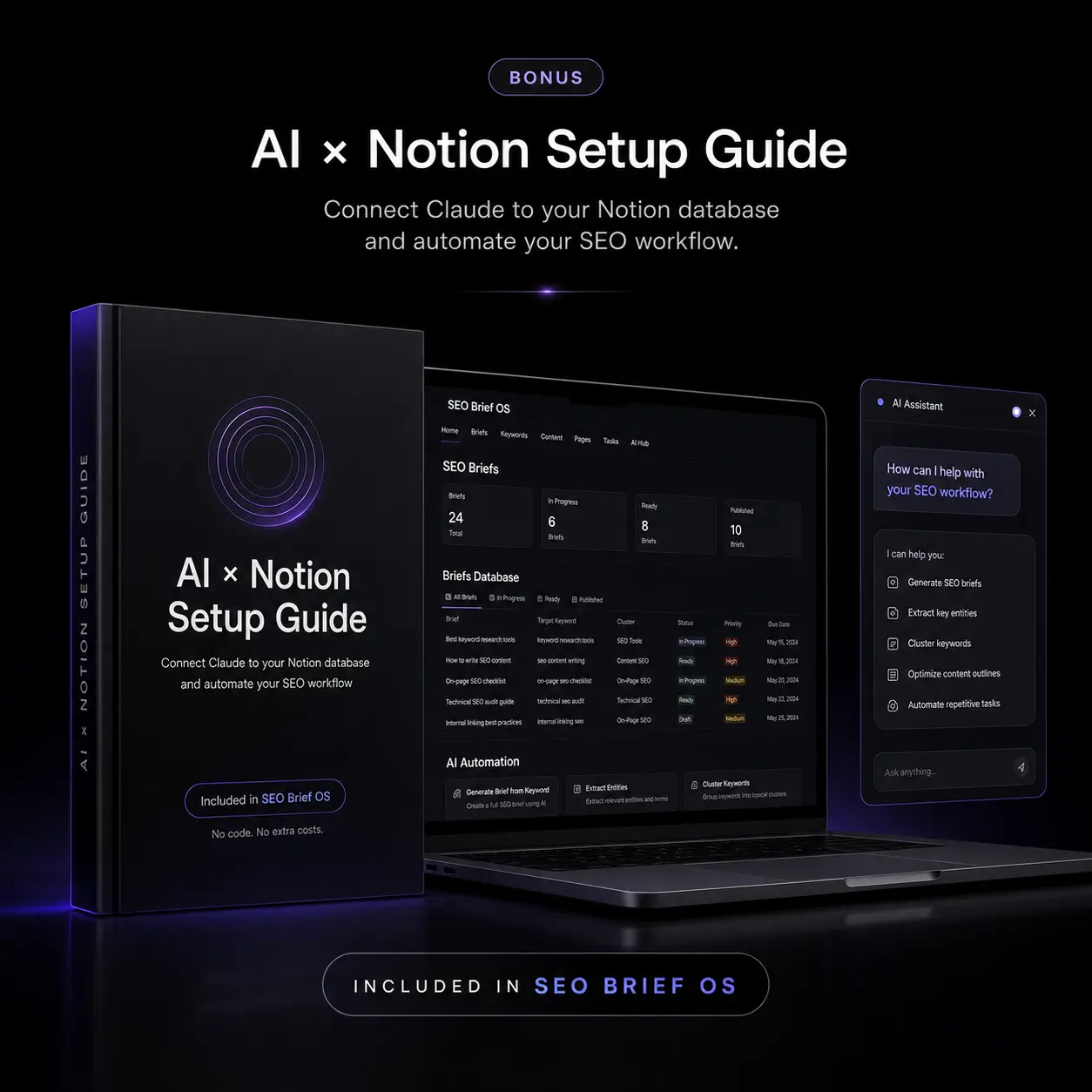
The free AI × Notion Setup Guide walks through this connection with screenshots and includes 7 ready-to-install SEO skills plus a humanizer skill, so Claude follows the same instructions every time.
How to Structure the Brief Database
Claude works best when the target structure is explicit. Give the database fixed properties and give every brief the same sections.
| Property | Type | Why Claude needs it |
|---|---|---|
| Keyword | Text | The input for every research prompt |
| Search Intent | Select | Constrains the format: guide, comparison, template, product page |
| Status | Select | Lets Claude move a brief from Research to Ready for Review |
| Target Country / Language | Select | Keeps research and examples local |
| Target Word Count | Number | Sets a coverage range, not a quota |
| EEAT Score | Number | Records the result of the quality check |
| Client / Project | Relation or select | Keeps briefs separated by client |
SEO Content Brief OS ships with this database already built (17 properties and five views) and a 10-section brief template, so you can connect Claude and start prompting immediately. If you prefer to build your own, follow our guide to keyword research in Notion.
The Prompt Workflow, Section by Section
Prompting one section at a time produces better briefs than asking for everything in one message. Each step has a narrow job and a clear output.
- SERP and competitors: "Open the brief for [keyword]. Identify the dominant intent and format of the top results and list the gaps none of them cover. Write the result in the Competitors & Gaps section."
- Semantic coverage: "List the entities, subtopics and questions this page must cover to be complete, and suggest 3 to 5 internal link targets from our published articles."
- Community insight: "Summarize the recurring questions and objections people raise about [keyword] in forums and video comments. Quote the problem, not the user."
- Audience and angle: "Propose one angle that gives this page information competitors lack. Explain who it is for."
- Structure: "Draft the H2 and H3 outline. Put the direct answer in the first section."
- EEAT signals: "List the first-hand evidence, sources and author details the writer must include."
- Properties: "Set Search Intent and Target Word Count, and move Status to Ready for Review."
For more prompt ideas, see our list of prompts for SEO content briefs. They work in Claude as well as ChatGPT.
Should you automate the whole thing?
Once the manual workflow is reliable, you can schedule parts of it. An n8n workflow can collect keyword ideas, create brief records and notify the editor, as described in automating keyword research with n8n and Notion. Keep the review step manual.
What Still Needs Human Review
- Intent: confirm the format matches what ranks today, not what the model assumes.
- Facts and figures: verify every statistic, price and claim against a primary source.
- The angle: make sure it reflects real experience your team can back up.
- Internal links: check that each suggested URL exists and is the best match.
- Client constraints: brand voice, legal limits and topics to avoid.
Google's guidance on using generative AI content focuses on quality and usefulness rather than how content is produced. A reviewed brief is the cheapest place to protect that quality.
FAQ
Do I need to code to connect Claude and Notion?
No. The Notion connector is added from Claude's settings and authorized with your Notion login.
Can Claude edit existing briefs?
Yes, if you grant access to that page or database. It can update sections and properties, so give it access only to the workspace it needs.
Is this better than a dedicated brief tool?
It depends on your bottleneck. Claude plus Notion is strong for structure, speed and consistency. A SERP grading tool is still useful if clients require a content score. Our comparison of SEO content brief tools covers the trade-offs.
Does it work with ChatGPT?
The same database and prompts work with ChatGPT. The direct Notion connection described here is specific to Claude's connector setup.
Connect Claude to Your Notion SEO Workflow
The free AI × Notion Setup Guide shows you how to connect Claude to Notion, install 7 SEO skills plus a humanizer skill, and run a no-code keyword-to-brief workflow. Get the Free Setup Guide → Want the planning system and the automations together? See the Complete AI SEO Bundle.Ready to brief smarter?
Turn any keyword into an agency-grade content brief in 15 minutes. One-time payment.
GET THE COMPLETE BUNDLE — $37 →

