SEO Content Brief OS Review: What's Inside, Who It's For and Who Should Skip It
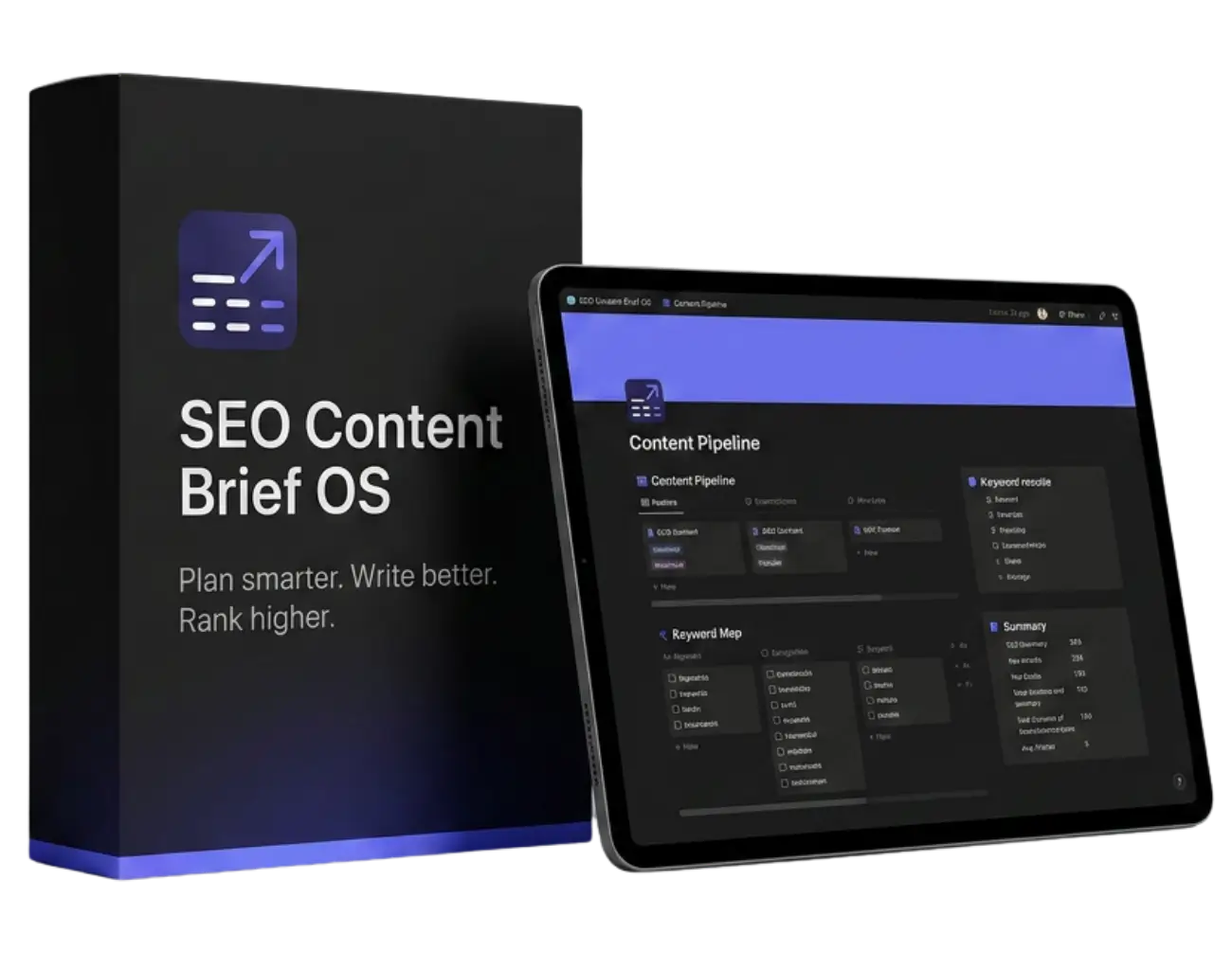
SEO Content Brief OS is a Notion workspace that turns a target keyword into a structured, EEAT-ready SEO content brief. It is built and sold by SEO Brief OS as a one-time purchase. This review walks through exactly what is inside, how a brief is created step by step, and who will get value from it versus who should choose a different tool.
Quick answer: SEO Content Brief OS is a good fit for SEO freelancers, agencies and content leads who already use Notion and want every brief to follow the same structure, with a visible pipeline and a quality check before writing starts. It is not a SERP scraping or content grading tool, so teams that need live term scores inside an editor should pair it with an optimization platform or choose one instead.
- Format: Notion template you duplicate into your own workspace
- Pricing model: one-time payment, no subscription
- Core parts: brief database, 10-section template, 7 AI prompts, 24-item EEAT checklist, 3 example briefs, refresh workflow
What's Inside SEO Content Brief OS?
| Component | What it does |
|---|---|
| Content Briefs database | 17 properties including Keyword, Search Intent, Status, Priority, EEAT Score, Target Country, Target Language, Target Word Count, Author, Client / Project, Due Date and Refresh Status. |
| Five database views | Table, Pipeline, Calendar, High Priority and Needs Refresh, so you can see work by stage, date or urgency. |
| 10-section brief template | Header, SEO Overview, Semantic SEO & AI Overview, Competitors & Gaps, Community Insights, Audience & Angle, Content Structure, Writing Guidelines, EEAT Check and Content Refresh Notes. |
| AI Prompt Library | 7 prompts for Claude, ChatGPT or Perplexity: SERP Competitor Finder, Semantic SEO & Topic Cluster Analyzer, Community Insight Miner, Audience & Angle Developer, Content Structure Builder, EEAT Signal Enhancer and Content Refresh Auditor. |
| EEAT Quality Checklist | 24 items across Experience, Expertise, Authoritativeness and Trust, each with what to check and why it matters. |
| Done-for-you examples | Three completed briefs: a B2B SaaS comparison, an ecommerce product review and a local service cost guide. |
| Content refresh workflow | A process and view for finding published articles that need updating before they lose rankings. |
How a Brief Is Built, Step by Step
The workspace opens on a Start Here page with a ten-step routine. In practice, a brief comes together like this:
- Create the record. Add a new row in the Content Briefs database, named after the target keyword.
- Set the SEO properties. Status, priority, keyword, search intent, country, language and target word count.
- Research the SERP. Use the SERP Competitor Finder prompt with an AI assistant, plus your own tools such as Search Console or Ahrefs, and paste findings into SEO Overview and Competitors & Gaps.
- Map semantic coverage. The Topic Cluster Analyzer prompt suggests related entities, questions, internal link targets and AI Overview angles.
- Mine community insight. The Community Insight Miner prompt pulls real questions and objections from Reddit, Quora and YouTube discussions.
- Define audience and angle. Who the page is for, what pain it solves and what it will say that competitors do not.
- Build the structure. H2s and H3s with expected length per section.
- Run the EEAT check. Tick the checklist items the brief satisfies. The template recommends at least 16 of 24 before approval.
- Assign and track. Set author, client and due date, then move the card through the pipeline.
If you want to see what a finished brief looks like, our article on SEO content brief examples breaks down seven page types.
Strengths
- Consistency. Every brief has the same ten sections, so writers know where to look and editors know what to check.
- AI search built into the template. The Semantic SEO & AI Overview section forces you to plan the direct answer, entities and snippet angle before drafting.
- Quality gate before writing. The EEAT checklist moves quality review to the brief stage, where fixes are cheap.
- You own it. It lives in your Notion workspace with no per-seat fee and no lock-in.
- Works with the AI you already use. The prompts are written for Claude, ChatGPT or Perplexity, and the free AI × Notion Setup Guide connects Claude to the database directly.
Limitations
- No live SERP scraping. Research comes from your AI assistant and your existing SEO tools. It will not fetch keyword volumes on its own.
- No draft grading. There is no in-editor term score like Surfer or Clearscope.
- Requires Notion. If your team works only in Google Docs or ClickUp, read our Notion vs ClickUp vs Google Docs comparison first.
- Automation is a separate layer. Scheduled keyword research or publishing needs n8n workflows, available in the N8N SEO Automation Bundle or the Complete AI SEO Bundle.
Who It's For and Who Should Skip It
| Good fit | Probably not a fit |
|---|---|
| Freelancers who want an agency-grade brief process without a monthly tool bill | Teams whose clients require a content score in every report |
| Agencies standardizing briefs across several writers and clients | Teams that do not use Notion and do not plan to |
| Content leads who need a pipeline, calendar and refresh queue in one place | Anyone looking for a one-click AI article generator |
FAQ
Is SEO Content Brief OS a subscription?
No. It is a one-time purchase. You duplicate the workspace into your own Notion account and keep it.
Do I need a paid Notion plan?
The system runs on standard Notion databases and pages. Check Notion's plans for your team size and any AI features you want to use.
Which AI assistant works best with the prompts?
The prompts are tool-agnostic. Each one notes the assistant that usually performs best for that step, such as Perplexity for research or Claude for structure and writing guidelines.
How long does one brief take?
Once your research sources are set up, the workflow is designed to get from keyword to approved brief in about 15 minutes. Complex commercial topics take longer because the evidence section needs more care.
How is it different from a free brief template?
A free template gives you a page layout. SEO Content Brief OS adds the database, views, prompts, EEAT checklist, examples and refresh workflow around it. Compare with our free Notion brief template to decide which you need.
Turn Any Keyword Into a Writer-Ready Brief
SEO Content Brief OS is a Notion system with a 17-property brief database, a 10-section brief template, 7 AI prompts for Claude and ChatGPT, and a 24-point EEAT checklist. One-time payment, no subscription. Get SEO Content Brief OS — $37 one-time → Want the planning system and the automations together? See the Complete AI SEO Bundle.Ready to brief smarter?
Turn any keyword into an agency-grade content brief in 15 minutes. One-time payment.
GET THE COMPLETE BUNDLE — $37 →

